
Suggestions




















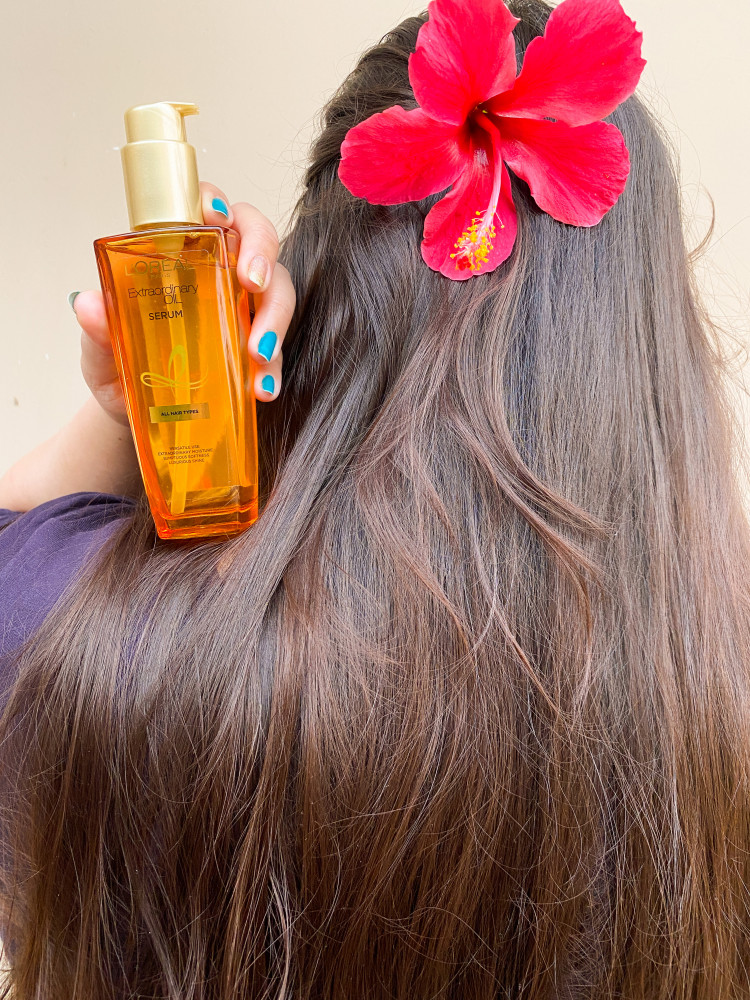
In Frame- Recent launch of L’Oréal Paris Extraordinary Oil Serum 1 SERUM, 100 WAYS TO USE This Extraordinary Oil Serum blended with 6 Rare Flower Oils Lotus, Flax, Rose, Tiare, Chamomile & Sunflower It’s Lightweight & Non-Sticky Hair Oil Serum Transforms Hair Instantly- 6X Shiny Frizz-Free Nourished Manageable Tangle Free Suitable For All Hair Type Quantity-100ml #hairserum #exoilserum #hairoil #flauntyourhair #creatorshala #lorealparis
Read More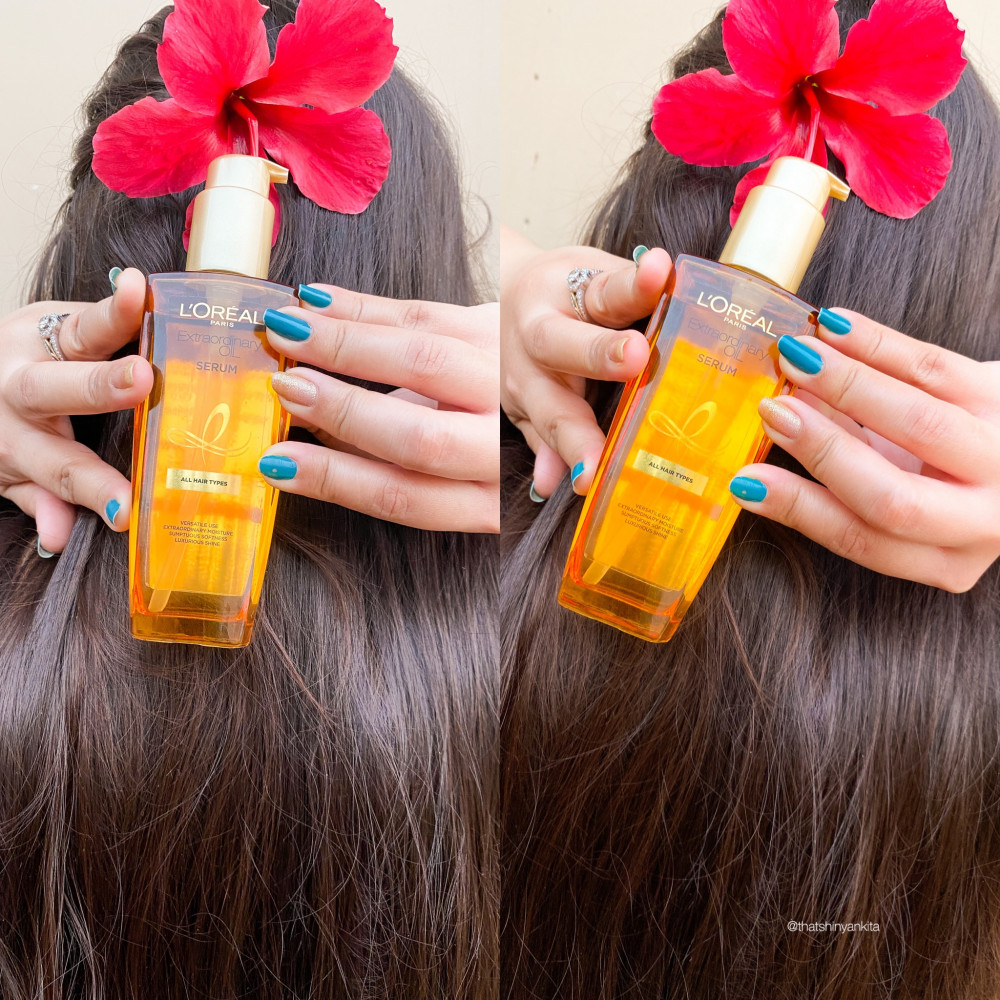
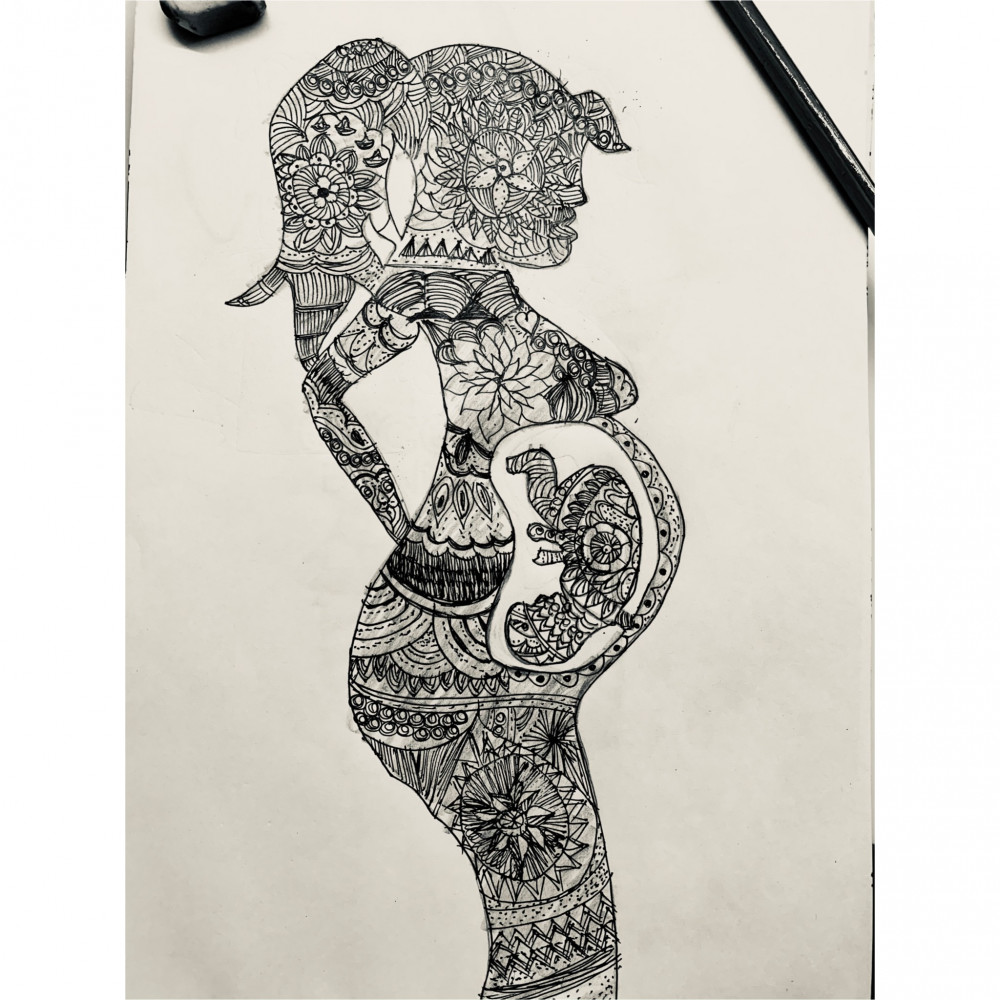
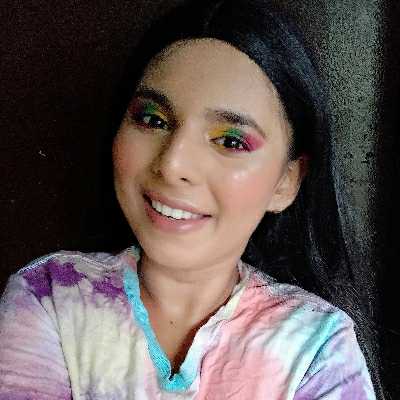
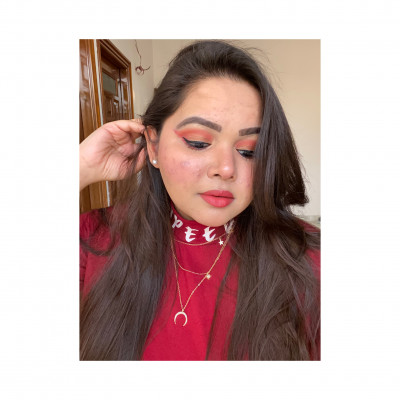
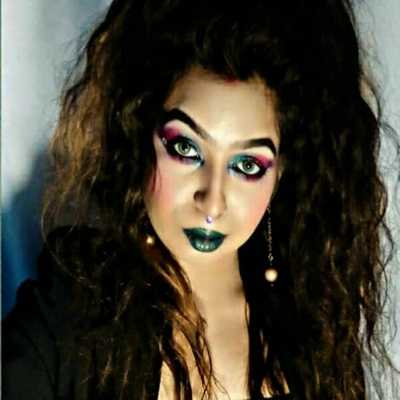
Diwali festive makeup look ❤️? Also guys follow me on instagram for more such creative content @stylistbonanza_30 & @gizellrodrigues_mua
Read More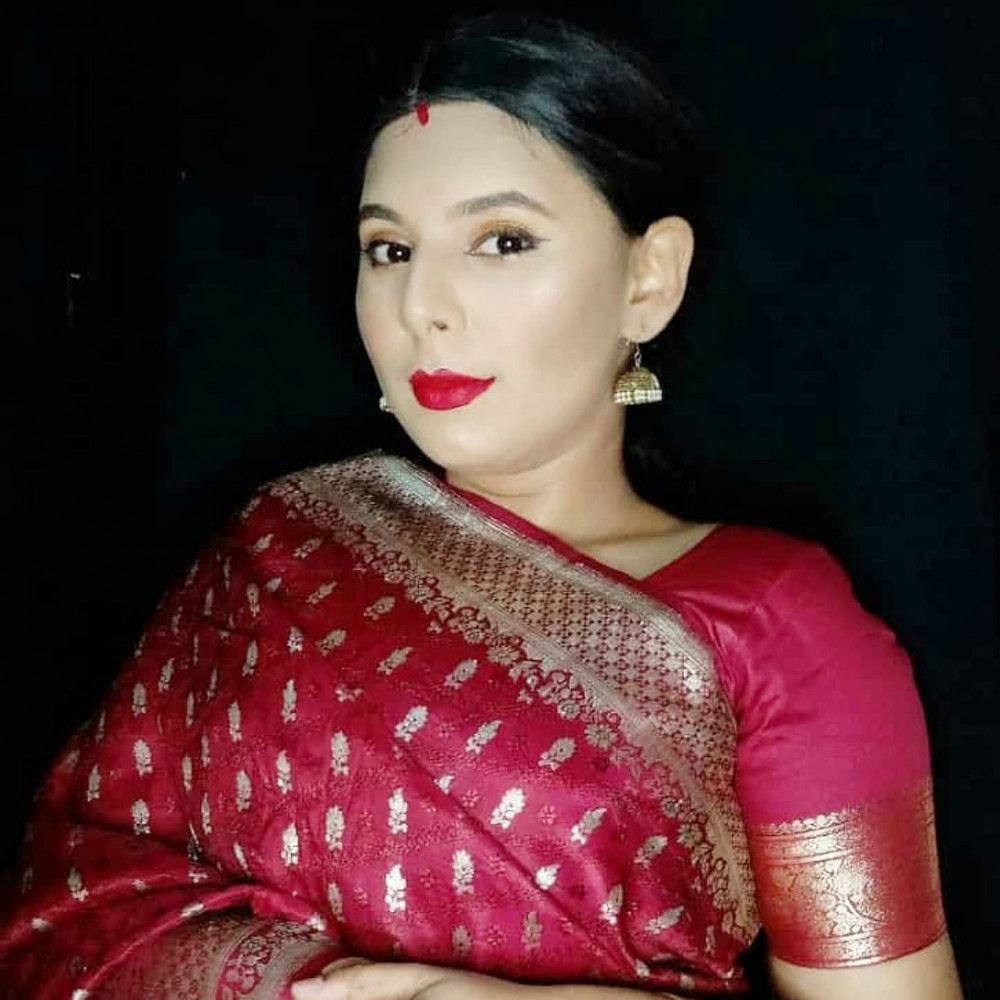

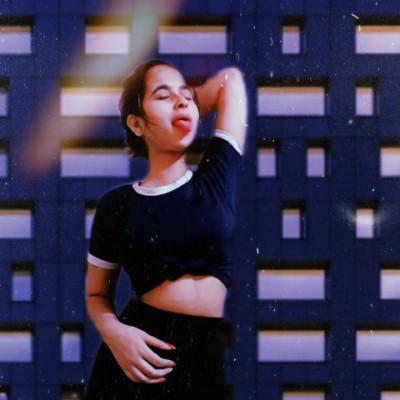

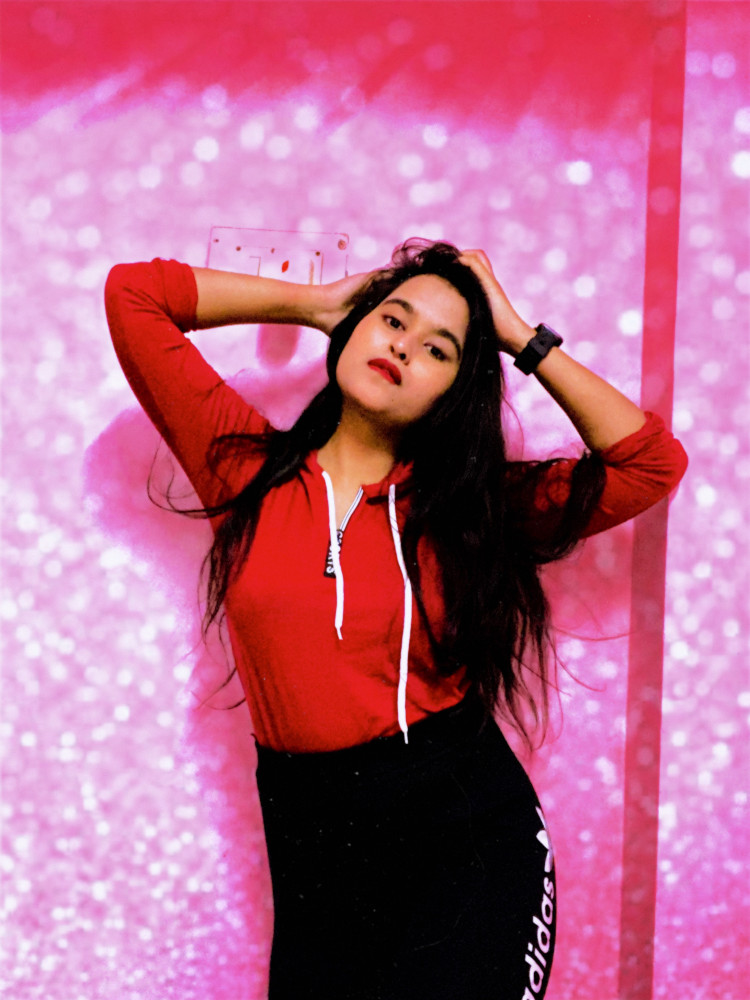
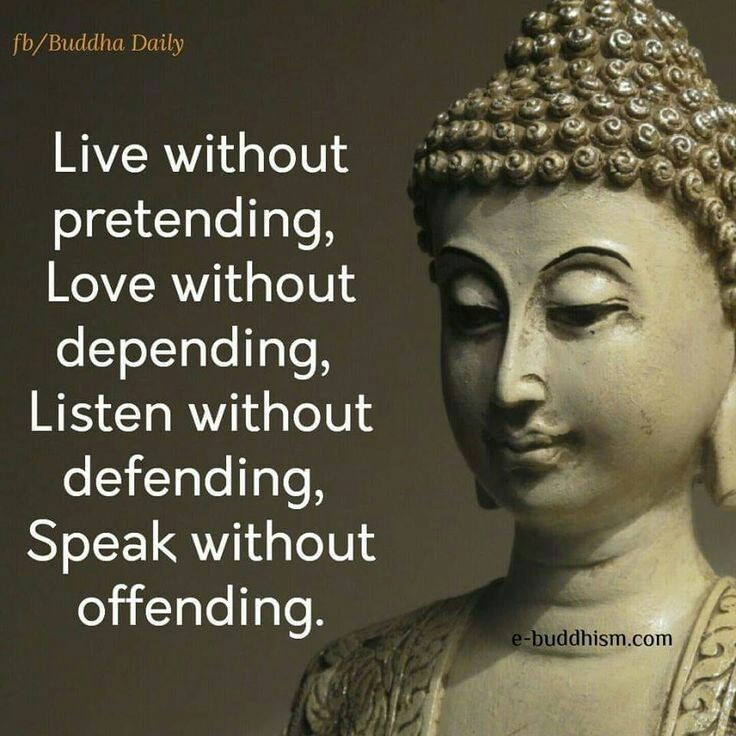
Mehendi Mood ???? just done with that ..!! #karwachauthvibes #karishmatickavita #Mehendilook #Mehendiforbrides #karwachauthspecial #mehendidesign2020 #karishmatickavitalookbook #creatorshala #picoftheday #mondaymood #mehendiobsession #festivetime
Read More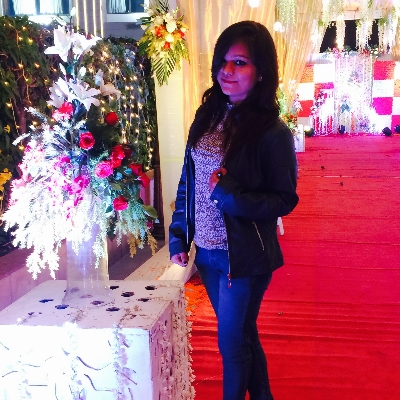

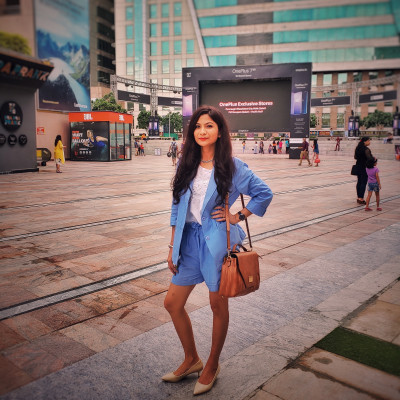
बावरा मन देखने चला एक सपना! . . . . #dreamscape #dreams #positivevibes #tagged #lifestyle #life #thoughtsforlife #travellook #fashionista #fashiontrends #fashioninfluencer #lifestyleblogger #stylelookbook #shetravels #sheisnotlost #traveltagged #traveltheworld #trending #dreamdestinations #worldexplorer #sheisnotlost #wanderfolk #girlslovetravel #girlsmeetglobe #girlmeetsworld #girlstyle #explorer
Read More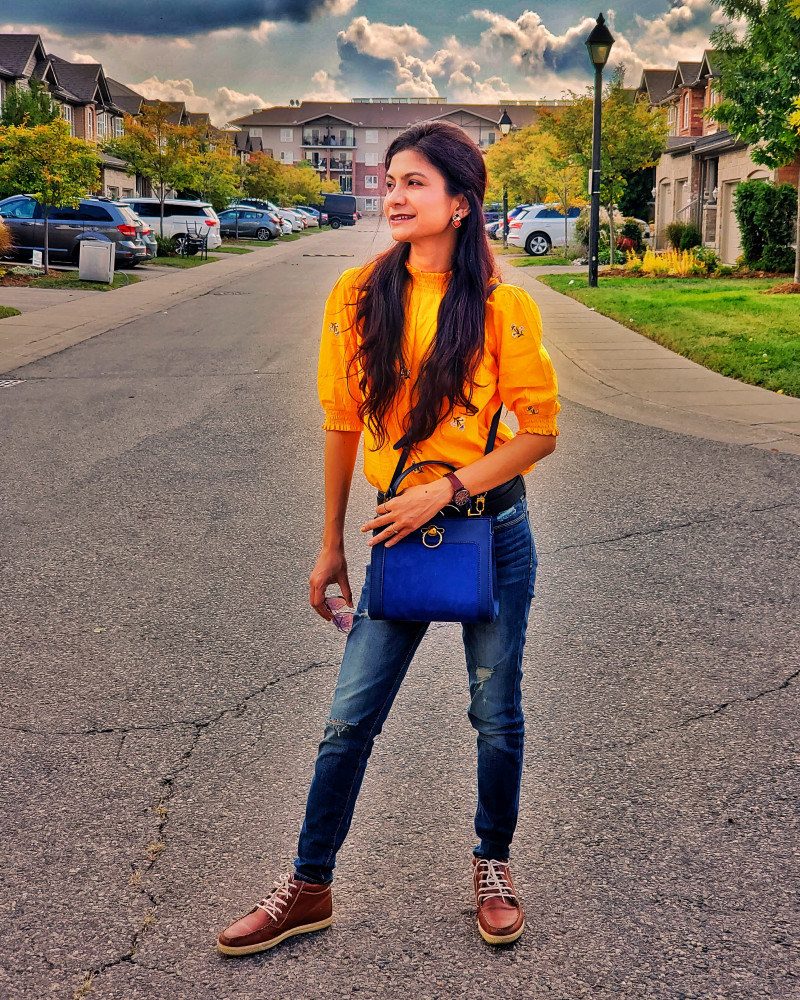

Follow us on



